
ZEKASTRA Studio · For teachers and trainers
Classroom materials, built in one editor
Create quizzes, activities and lesson plans from nine templates. Try them the way your learners will, then print or share offline copies with a separate answer guide.
- No account needed
- Turkish and English
- Your work stays on your device

Lesson packs
68 lesson packs in nine units
Original bilingual material across six formats and 30+ hours of classroom time, from ages 4 to professional training. Open a pack and adapt it to your class.
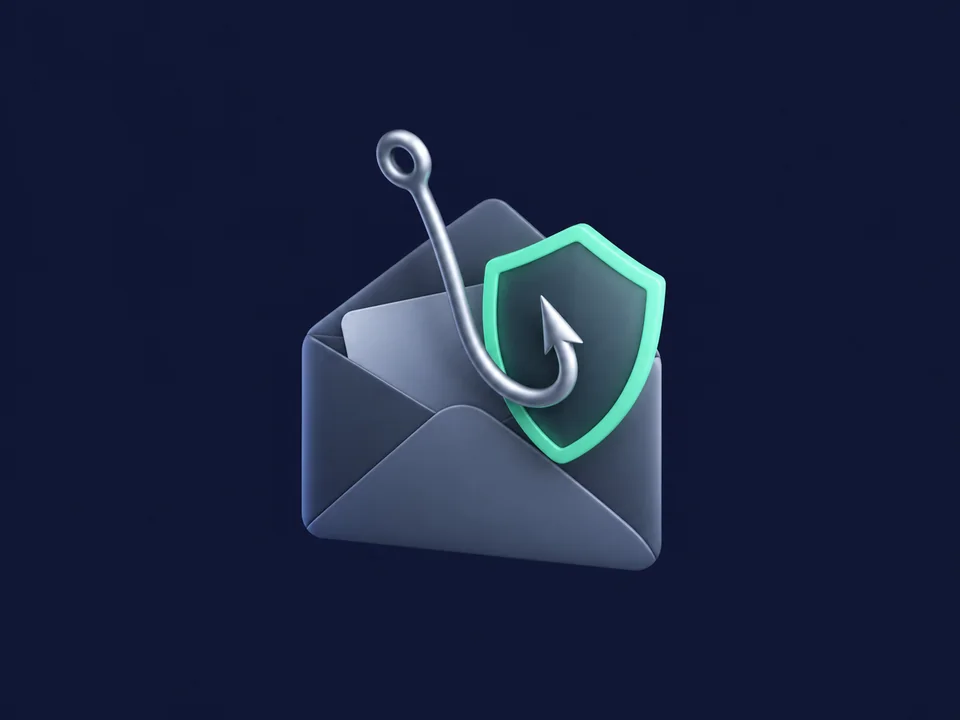 Cyber safety20 minSpot the Phishing MessageSix fictional messages: urgency, look-alike links, attachments and safe reporting.Secondary and up
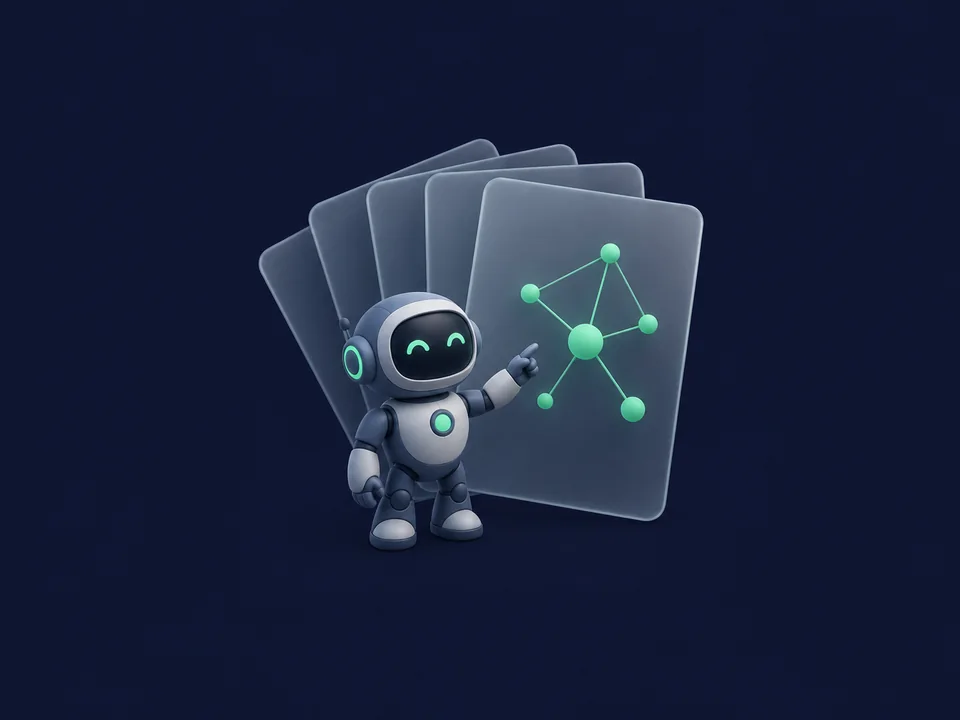 AI literacy20 minAI Basics in Five CardsFive cards on training data, models, prediction, bias and hallucination, with classroom examples.Secondary and up
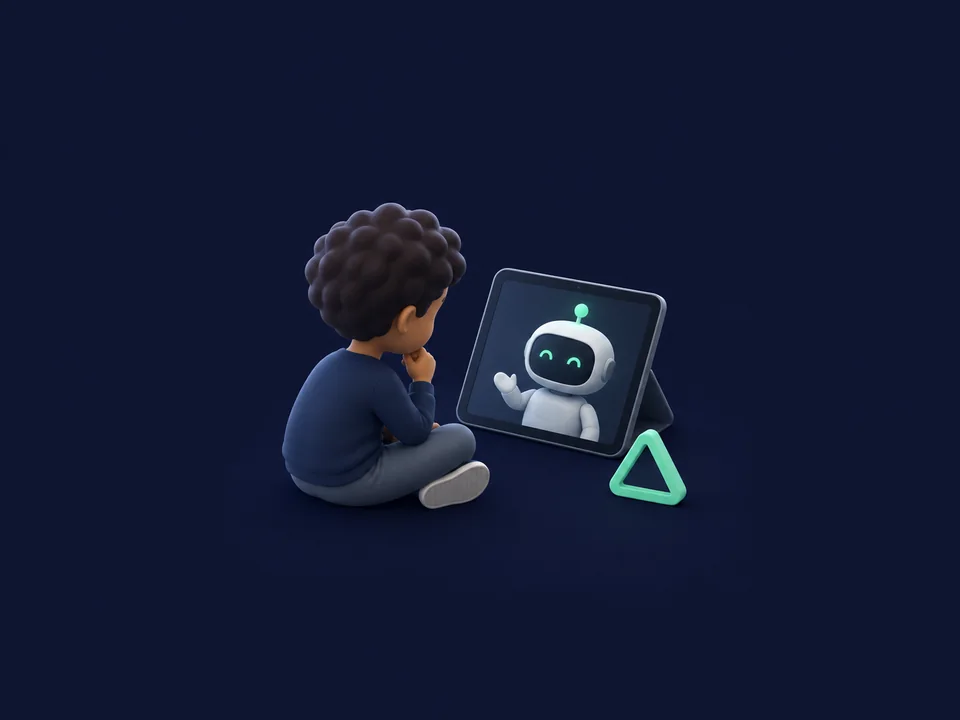 AI literacy25 minChatting with a Robot HelperA guided discussion about what AI assistants can and cannot do and what never to tell them.Ages 10–12 · with an adult
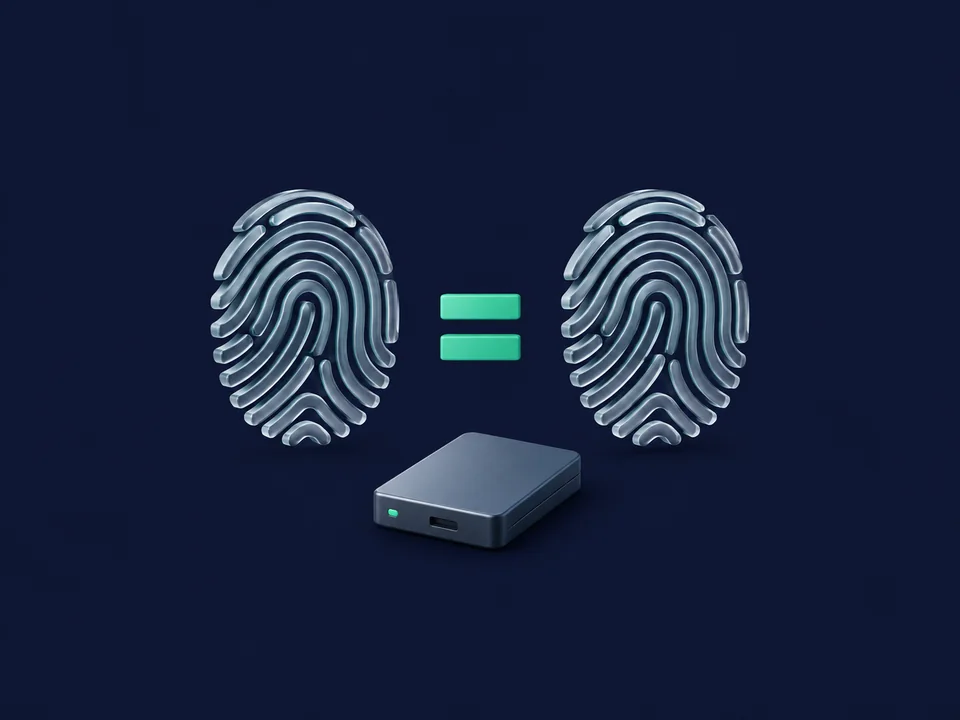 Integrity verification30 minHash Verification: Before and AfterCompare fictional SHA-256 values recorded at acquisition and at analysis, and document the result.Professional training
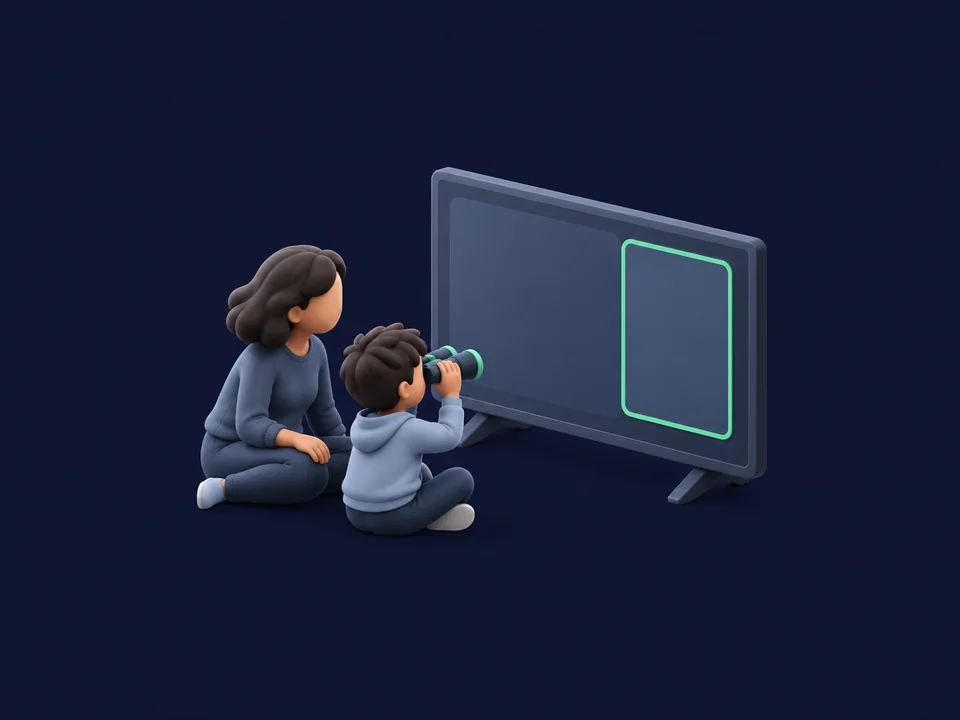
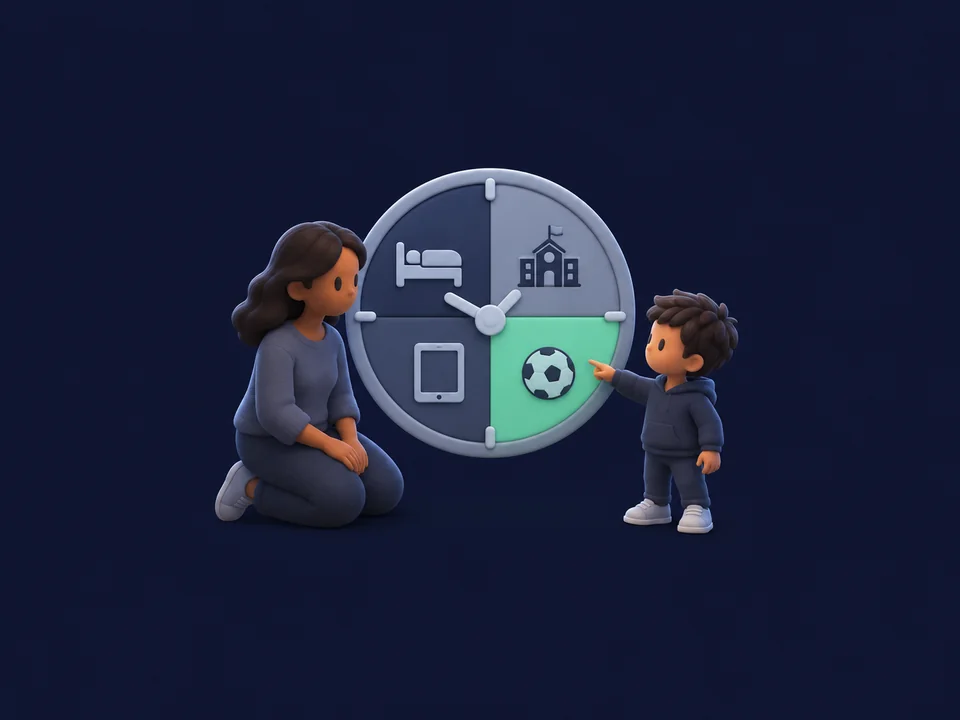
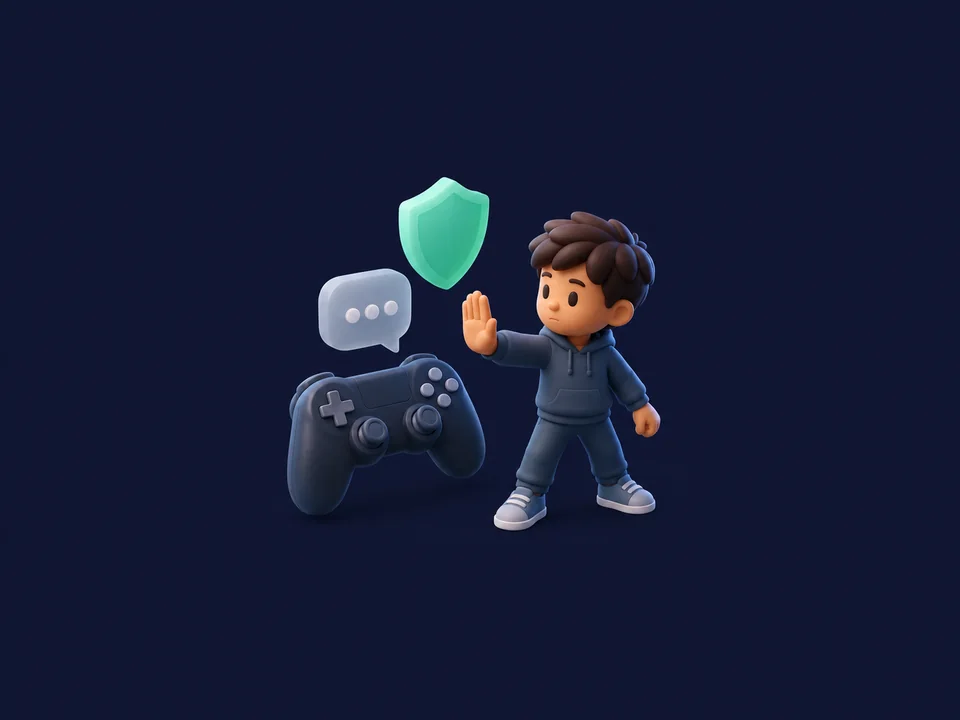
Safe starts, ages 4–12
Privacy, kind words, screen balance and asking an adult, practised with paper cards and pretend messages. Every pack is done with a grown-up and never scored.
13 lessons in this unit

Curriculum codes (8)
DigComp 4.2 · DigComp 2.1 · DigComp 4.3 · DigComp 2.2 · DigComp 4.1 · DigComp 2.5 · DigComp 1.2 · DigComp 5.3
Check before you share
From a cropped screenshot to lateral reading: find the original, read the date, notice what was cut, separate popularity from evidence and cite properly.
9 lessons in this unit


Curriculum codes (8)
MOY.2.1 · DigComp 1.2 · MOY.1.3 · DigComp 2.2 · DigComp 1.1 · DigComp 3.3 · DigComp 3.2 · DigComp 4.1
Sources used for this unit (4)
Accounts and devices
Passphrases, phishing, two-step login, app permissions, removable media and a personal cyber-hygiene plan, built on NCSC, CISA and NIST guidance.
10 lessons in this unit

Curriculum codes (6)
DigComp 4.1 · DigComp 4.2 · DigComp 1.2 · BTY.5.1.3 · DigComp 1.3 · DigComp 2.2
Sources used for this unit (5)
- UK NCSC: Three random words
- UK NCSC: Phishing attacks: defending your organisation
- CISA: Recognize and report phishing
- CISA: Turn on multifactor authentication
- NIST: SP 800-63B Digital Identity Guidelines: authentication and lifecycle management (superseded by SP 800-63-4 in 2025; the password advice is unchanged)
Footprint, privacy and attention
What a profile reveals, how cookies and recommendations work, when a post is an advert, and what a 'leaked exam' offer really is.
6 lessons in this unit

Curriculum codes (7)
BTY.5.1.3 · MOY.3.2 · DigComp 2.6 · DigComp 4.2 · MOY.1.3 · DigComp 1.2 · DigComp 2.5

Living with AI
How generative systems produce text and images, how to check an AI-written claim, and how to react to a cloned voice on the phone.
6 lessons in this unit


Curriculum codes (7)
BTY.5.1.4 · MOY.3.1 · DigComp 5.4 · DigComp 1.2 · DigComp 4.2 · DigComp 4.1 · DigComp 3.3
Create responsibly
Licences and attribution, a story with credits and a text alternative, and an honest data story: the skills behind publishing anything.
4 lessons in this unit


Curriculum codes (4)
DigComp 3.3 · DigComp 3.1 · DigComp 2.2 · DigComp 1.2
Sources used for this unit (2)
Forensic foundations
Observation before interpretation on synthetic records: timelines, hashes, file times, custody, log time zones, photo metadata and browser history. Pairs with ZEKASTRA Forensic.
10 lessons in this unit
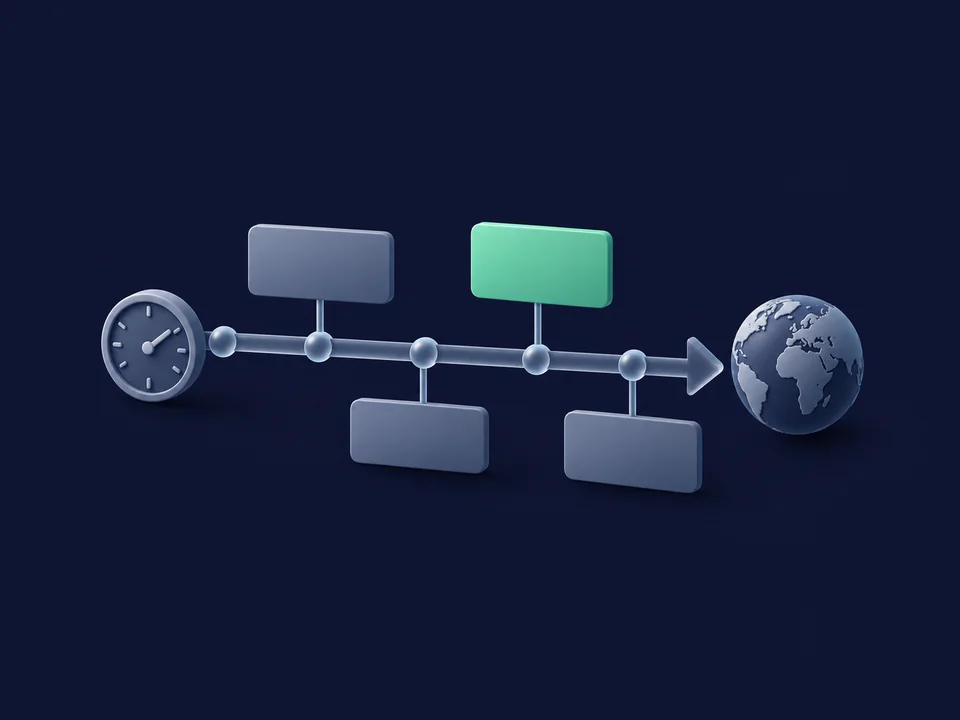 Fictional Timeline: Observe Before Interpreting
- Hash Verification: Before and After
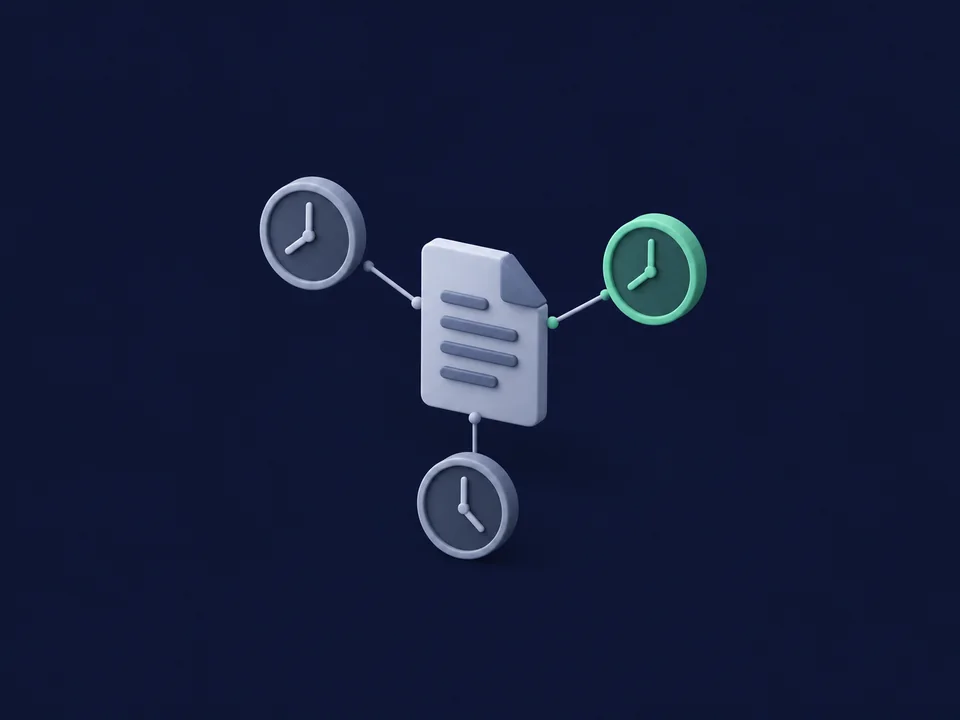 Created, Modified, Accessed: Reading File Times
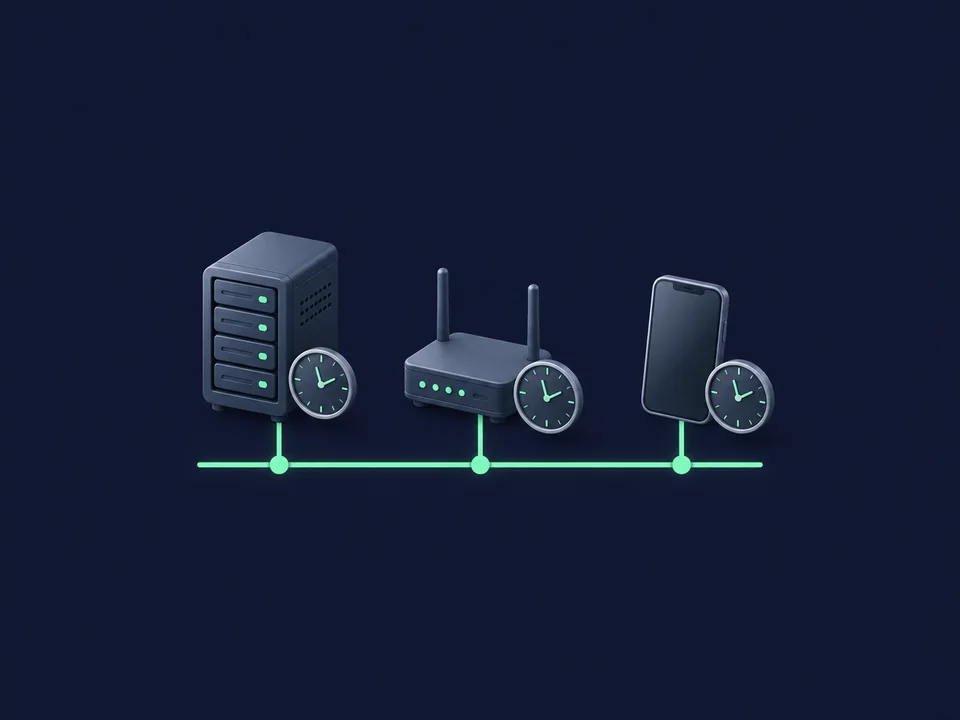 Three Logs, Three Clocks
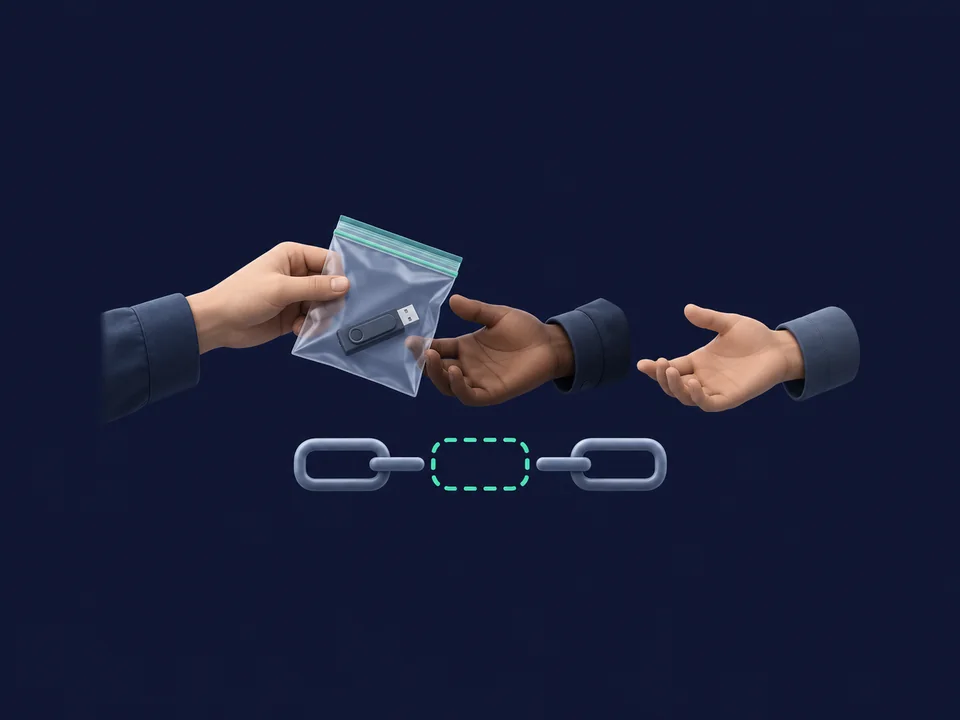 Chain of Custody: Finding the Gap
 Photo Metadata: What EXIF Can and Cannot Say
 Browser History: Visit, Typed or Redirect?
 Reading an Email Header
 USB Acquisition Record
- Synthetic DNS & Network Log: When Did the Connection Start?
Curriculum codes (2)
NIST SP 800-86 · DigComp 1.3
Algorithmic Thinking, Automation and Data Ethics
Five lessons on how rankings, training data, decision rules, sensor records and automation choices shape what people see and what counts as evidence. Each lesson is written in Turkish and English; learner files carry no answers.
5 lessons in this unit
Curriculum codes (6)
DigComp 1.2 · DigComp 3.4 · DigComp 5.3 · DigComp 1.3 · DigComp 5.2 · DigComp 4.2
Sources used for this unit (7)
- European Commission Joint Research Centre: DigComp 2.2 The Digital Competence Framework for Citizens (2022)
- European Commission Joint Research Centre: DigComp 2.2 conceptual reference model (2022)
- UNESCO: AI competency framework for students (2024)
- NIST: AI Risk Management Framework 1.0 section 3 AI Risks and Trustworthiness (2023)
- JCGM published by ISO: Evaluation of measurement data Guide to the expression of uncertainty in measurement section 3 (2008)
- UNESCO: Guidance for generative AI in education and research (2023)
- UNESCO: Recommendation on the Ethics of Artificial Intelligence (2021 adoption; 2022 publication)
Cyber Incident Response and Integrity Laboratory
Five lessons on incident triage, from the first decisions and log analysis to backup recovery, phishing triage and reporting findings with their evidence limits. Each lesson is written in Turkish and English.
5 lessons in this unit
Curriculum codes (9)
NIST SP 800-61 Rev. 3 · NIST SP 800-86 · DigComp 4.1 · NIST SP 800-92 · DigComp 1.2 · DigComp 1.3 · NIST SP 800-34 Rev. 1 · DigComp 5.1 · DigComp 2.2
Sources used for this unit (10)
- NIST: Incident Response Recommendations and Considerations for Cybersecurity Risk Management A CSF 2.0 Community Profile (2025)
- NIST: Guide to Integrating Forensic Techniques into Incident Response (2006)
- UK NCSC: 10 Steps to Cyber Security Incident management (2021)
- UK NCSC: Incident management Develop Technical response capabilities (2019)
- NIST: Guide to Computer Security Log Management (2006)
- NIST: Contingency Planning Guide for Federal Information Systems (2010)
- IETF RFC Editor: Message Header Field for Indicating Message Authentication Status (2019)
- IETF RFC Editor: Domain-Based Message Authentication Reporting and Conformance DMARC (2026)
- UK NCSC: Phishing attacks defending your organisation (current page)
- SWGDE: Requirements for Report Writing in Digital and Multimedia Forensics (2018)
Framework codes refer to: MEB Information Technologies and Software Curriculum, grades 5–6 · MEB Secondary School Media Literacy Curriculum · European Digital Competence Framework for Citizens 2.2 (JRC) · NIST SP 800-86, Guide to Integrating Forensic Techniques into Incident Response. Codes are quoted from the published programmes; the packs are original ZEKASTRA material and are not endorsed by these bodies.
Templates
Start from a ready-made structure
Each template opens with complete sample content in Turkish or English, ready to edit.
 Secondary school and up
Quiz
Mixed item types with feedback on every answer and the answers kept out of the learner file. Opens with a 5-item sample on checking sources.
Use this template → Ages 4–12, with an adult
Guided kids activity
Short reading steps, a choice and a matching game, done together with an adult. Opens with a 5-step sample about a fictional drawing.
Use this template → Teachers
Lesson plan
Warm-up question, explanation, matching practice, quick check, written reflection with a rubric and an exit ticket, each with minutes that add up to the period.
Use this template → Secondary school and up
Scenario discussion
A fictional message with missing context. Learners test a decision, then write a short response assessed with a rubric.
Use this template → All levels
Concept cards
Source, context and uncertainty on three cards with worked examples, then a matching task and a one-sentence recall check.
Use this template → Professionals and trainees
Forensic training card
Separate the raw record, what is observed, the technical interpretation and its limits, then order the verification steps, as a training card for analysts.
Use this template →All levelsExit ticket set
Three things learned, two quick checks and one open question in the last ten minutes of a lesson, so you know what to reteach.
Use this template →Secondary school and upEscape room
A fictional story with five locks. Each solved task reveals the clue for the next; in class mode the teacher opens every lock.
Use this template →Secondary school and upDiscussion cards
Four privacy dilemmas with sentence starters, a random card draw in class mode and a written position with a rubric.
Use this template →New Studio templates
Edit complete examples, try the learner view and download the worksheets.
 Two-Source Comparison LabCompare fictional climate reports for authorship, date, evidence, context and tone.Secondary · high school · university / 45 minutesTEMPLATE 11
 Misconception and Refutation ClinicRecord an initial prediction, open the counterevidence and revise the explanation.All levels · adaptable / 40 minutesTEMPLATE 12
 Incident Tabletop ExerciseDocument team decisions, record preservation and communication in four fictional stages.Professional training · organisations / 60 minutesTEMPLATE 13
 Project and Portfolio Rubric StudioUse four criteria and three levels for separate self and peer reviews.Teachers · departments / 45 minutes
How it works
From template to classroom
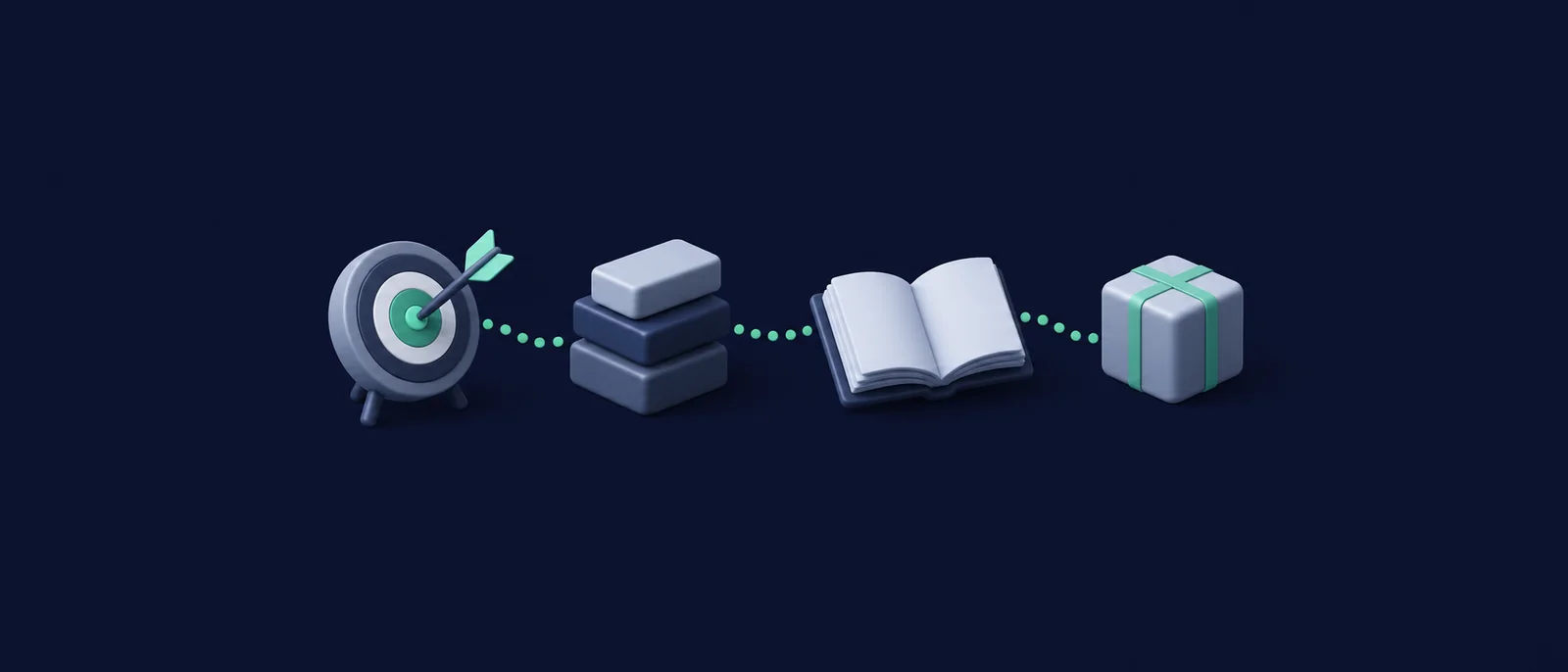
Four steps, one screen. You stay in control of every word, and nothing leaves your device until you download it.
Start creating- 1Set the goalStart from one of nine templates or 68 complete lesson packs. Write what learners should be able to do afterwards and the period length; an MEB or DigComp code is optional.
- 2Build the sectionsEight section types: text step, card or record, multiple choice, true/false, fill in the blank, matching, ordering and open response with a rubric. Give each a role and minutes; the check warns when the plan overruns the period.
- 3PreviewWork through the activity step by step, exactly as a learner will see it.
- 4Check and shareThe quality check flags gaps before export. Then present it to the class, download the Word worksheet and educator guide, the offline learner file, or send a colleague a link that carries the whole document.
Files
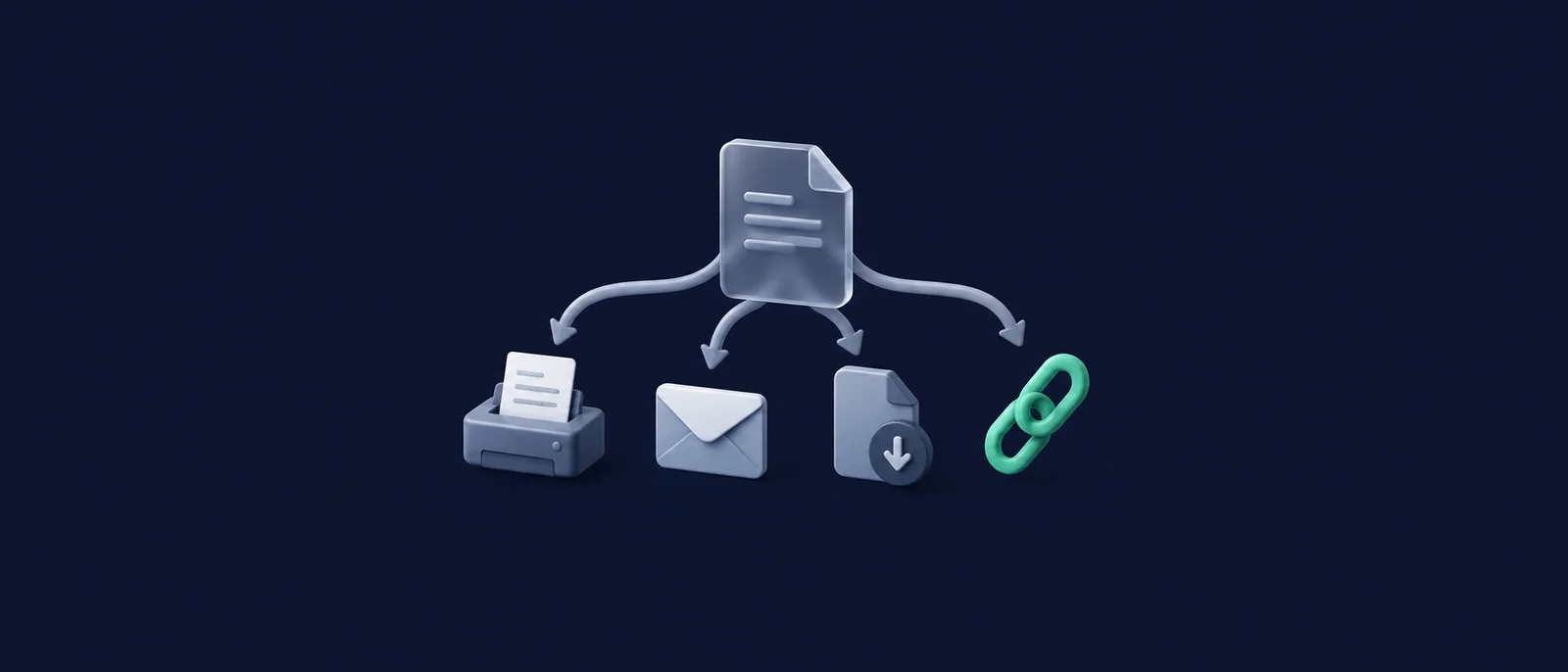
One document, files for learners, educators and sharing
Learner and educator copies are always separate files, so answers do not end up in the learner's file by mistake.
Offline learner file
A single file that opens in any browser without internet, with every section type playable. Contains no answer key and stores no responses.
Student worksheet
A Word file with answer boxes, matching tables and writing lines, ready to print or adapt. No answers inside.
Educator guide
Lesson flow with roles and minutes, the answer key, feedback and your private teacher notes, as a Word file.
Answer guide and educator copy
Plain-text answers and the complete lesson text, easy to paste into any other system.
Share link
One link that carries the whole document inside it. Nothing is uploaded; a colleague opens their own editable copy.
Editable source file
Keeps the whole document. Open it again in Studio to update next term's version; older files are upgraded on opening.
Who it is for
Built for people who teach
The same editor serves a primary classroom, a school department and a professional training programme.
 01
Teachers
Prepare a quiz, activity or lesson plan for tomorrow's class, try it as your students will, and hand out a print or offline copy.
- Learner copy without answers
- Separate answer guide
 02
Schools and departments
Build shared materials on the same structure. Sources, licence and reading support are recorded with every document.
- Source and licence fields
- Reusable JSON files
 03
Trainers and institutions
Turn technical knowledge into training material: observation cards, case scenarios and assessment questions for in-house programmes.
- Professional training templates
- Note converter for training content
Quality and trust
Checked before it reaches the classroom
Studio runs the checks an editor would make before export: missing parts, inconsistencies and sources that are not credited.
Read our privacy commitments →- Learning outcomes and framework codes
- Every pack states its learning outcome and takes its codes from the MEB Information Technologies (grades 5–6, 2025) and Media Literacy (2026) programmes or from DigComp 2.2. You can add the same codes to your own documents.
- Lesson-design check
- Before you download, Studio flags a missing outcome, section times that overrun the period, a plan without a check, open questions without a rubric, long runs of text, repeated headings or options, thin feedback and template notes you have not replaced.
- Matching edition code
- Learner and educator files made from the same version carry the same code, so the right answer guide always goes with the right worksheet.
- Sources and rights on record
- Every document records its sources, licence (original, CC BY, CC BY-SA or by permission) and a rights confirmation before export. Unit sources were checked on 15 October 2026.
- Accessible by design
- Full keyboard control, a text alternative field for reading support, and no timers or animation in the learner view.
- Private by default
- No account, no upload, no tracking of learner answers. Even the share link keeps the document inside the link itself.
Also in Studio
More ways to create
- ANote converterTurn a checked technical note into an article, a 60-second video outline, social posts, a quiz and a publishing plan.
- BDigital literacy challengeA short set of explained questions you can use as a model for your own quizzes.
- CReady-made lesson blocks36 editable blocks in lesson order: warm-ups, worked examples, stations, misconception checks, 3-2-1 reflections and exit tickets. Open any template and choose Add a block.
- DClassroom presenter toolsPresent a document one section per screen with a timer set from each section's minutes, teacher notes, a hand count for every option and a turn picker that never picks the same learner twice in a round.
Questions
Frequently asked questions
Do I need an account?
No. Studio opens directly in your browser. There is no sign-up, no password and no subscription.
Where is my work stored?
Only in your browser. Nothing you write is uploaded to a server. Download a JSON copy to keep your document and reopen it later. For unfinished drafts you can switch on optional tab recovery.
Can I present a lesson on the classroom screen?
Yes. Present mode shows one section at a time in large type on a projector or smart board. Answers stay hidden until you reveal them, and you move through the lesson with the arrow keys.
Can students see the answers?
Not in the learner file. The offline HTML contains no answer key; correct answers and explanations go into a separate educator guide that only you hand out.
Do the files work without internet?
Yes. The learner HTML is a single self-contained file. It runs offline in any modern browser, on a classroom computer or a tablet.
Which curriculum do the packs follow?
The nine units are sequenced from early digital safety to incident response. Each pack states its learning outcome and cites codes from the MEB Information Technologies and Software programme (grades 5–6, 2025), the MEB Media Literacy programme (2026) and DigComp 2.2, so you can map it to your own plan.
Can I share a draft with a colleague?
Yes. Create a share link in the final step. The whole document travels inside the link, nothing is uploaded, and whoever opens it gets their own editable copy. For large documents the JSON file is the safer route.
Which languages are supported?
Every template and lesson pack is available in Turkish and English. Switch the language at the top of the page before you start.
Can I use the materials commercially?
Lesson packs are original ZEKASTRA material made for teaching use. For commercial use, contact us. For anything you add yourself, record the source and licence in the document.
Prepare your next lesson in Studio
Free to use. No account, no installation.