
ZEKASTRA Education
What would you like to prepare?
Start from an empty structure, a complete lesson pack or a note you already have. Whatever you choose opens in the same workspace.
You have an open document
Start from a template
A template gives you the structure. It opens with short sample content so you can see how each part works; replace it with your own topic.
Secondary school and up
Quiz
Multiple choice, true/false and fill-in-the-blank items, each with feedback; the learner file keeps the answers out.
- Best for
- Checking understanding at the end of a topic, or as a short warm-up.
- Sample content
- Check before sharing · 5 items · 15 min
Ages 4–12, with an adult
Guided kids activity
Short reading steps, a choice and a matching game. Children are never scored.
- Best for
- A calm, step-by-step activity at home or in a primary classroom.
- Sample content
- Digital Footprint Detective · ages 7–9 · 5 steps
Teachers · one class period
Lesson plan
Timed stages from warm-up to exit ticket: question, explanation, matching practice, quick check, written reflection.
- Best for
- Planning a full lesson you can follow in class or hand to a colleague.
- Sample content
- Observation and interpretation · 6 stages · 40 min
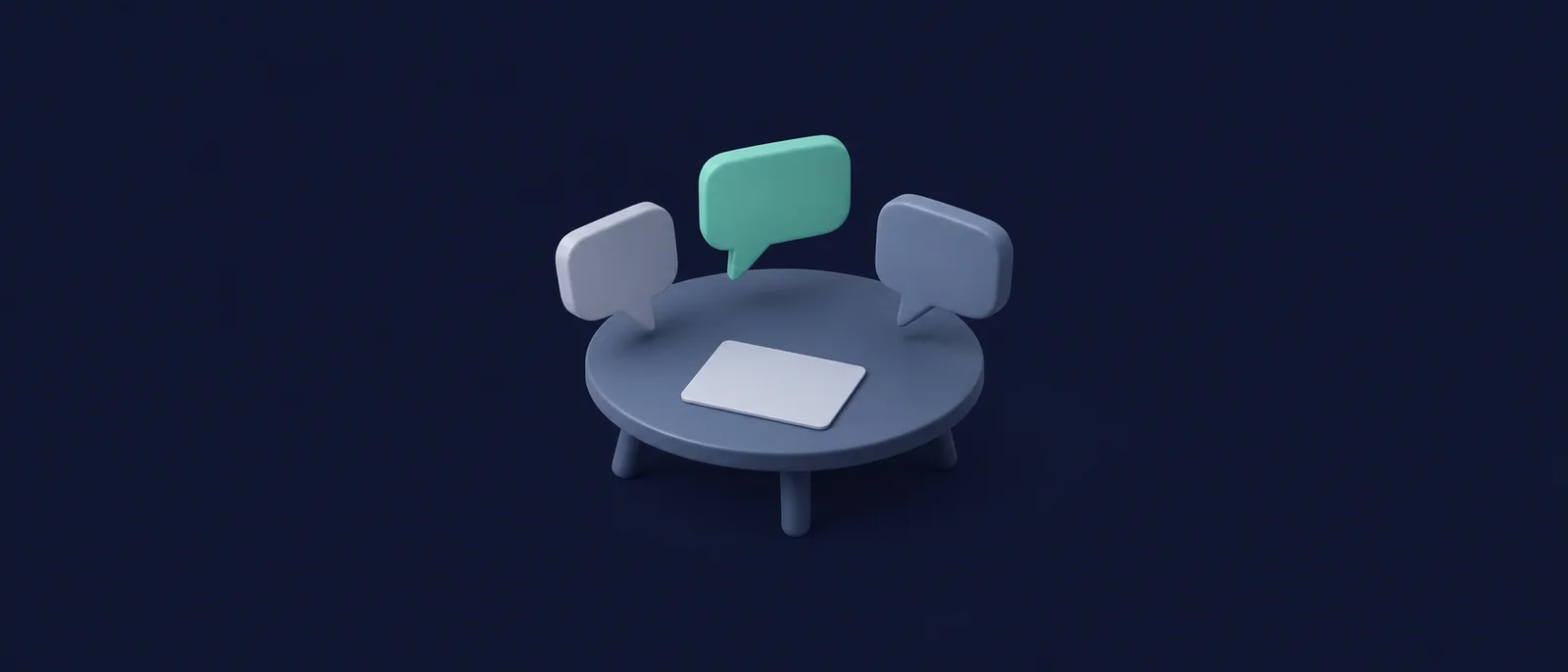
Secondary school and up · groups
Scenario discussion
A fictional situation, a decision to test and an open response with a rubric for the questions that stay open.
- Best for
- Class or small-group discussion where there is no single easy answer.
- Sample content
- Message without context · 4 parts · 30 min
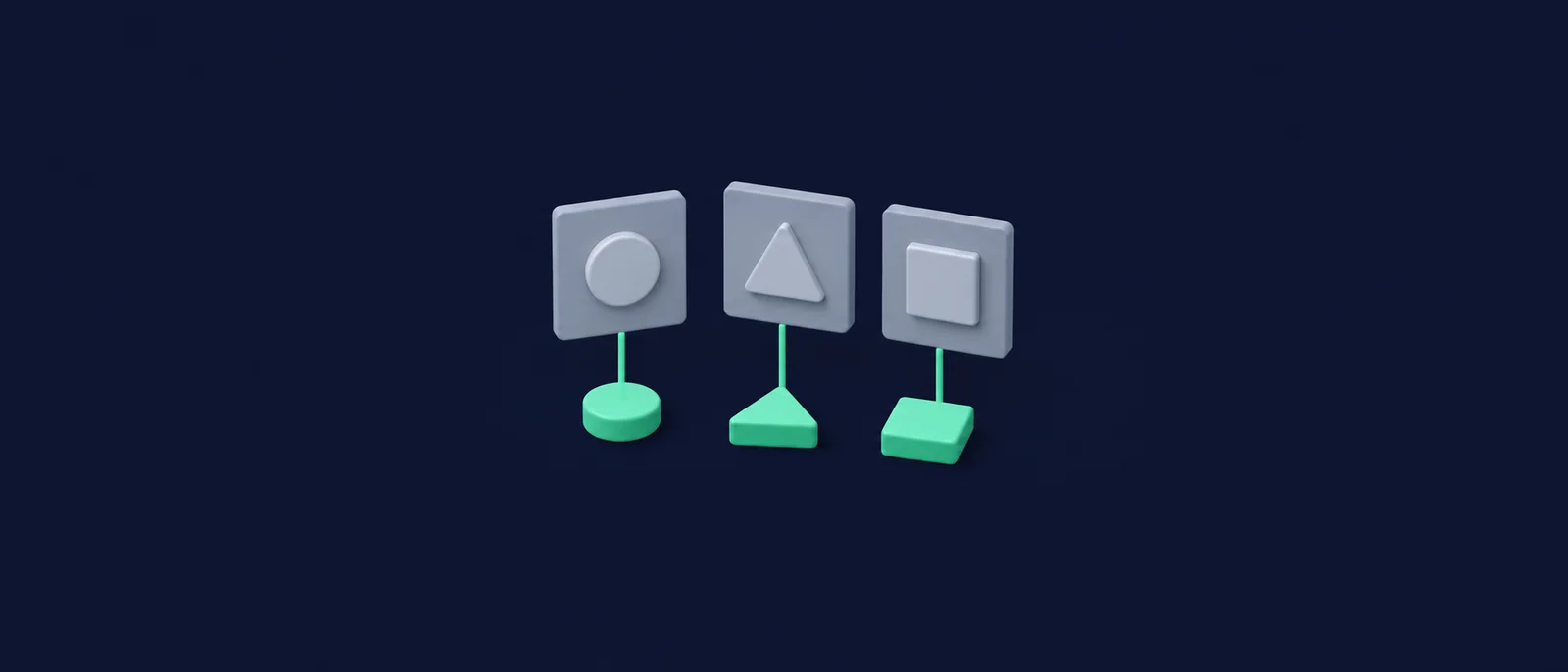
All levels
Concept cards
One concept per card, then a matching task and a one-sentence recall check.
- Best for
- Introducing new vocabulary, revision, or a printed reference sheet.
- Sample content
- Source, context and uncertainty · 3 cards + 2 checks
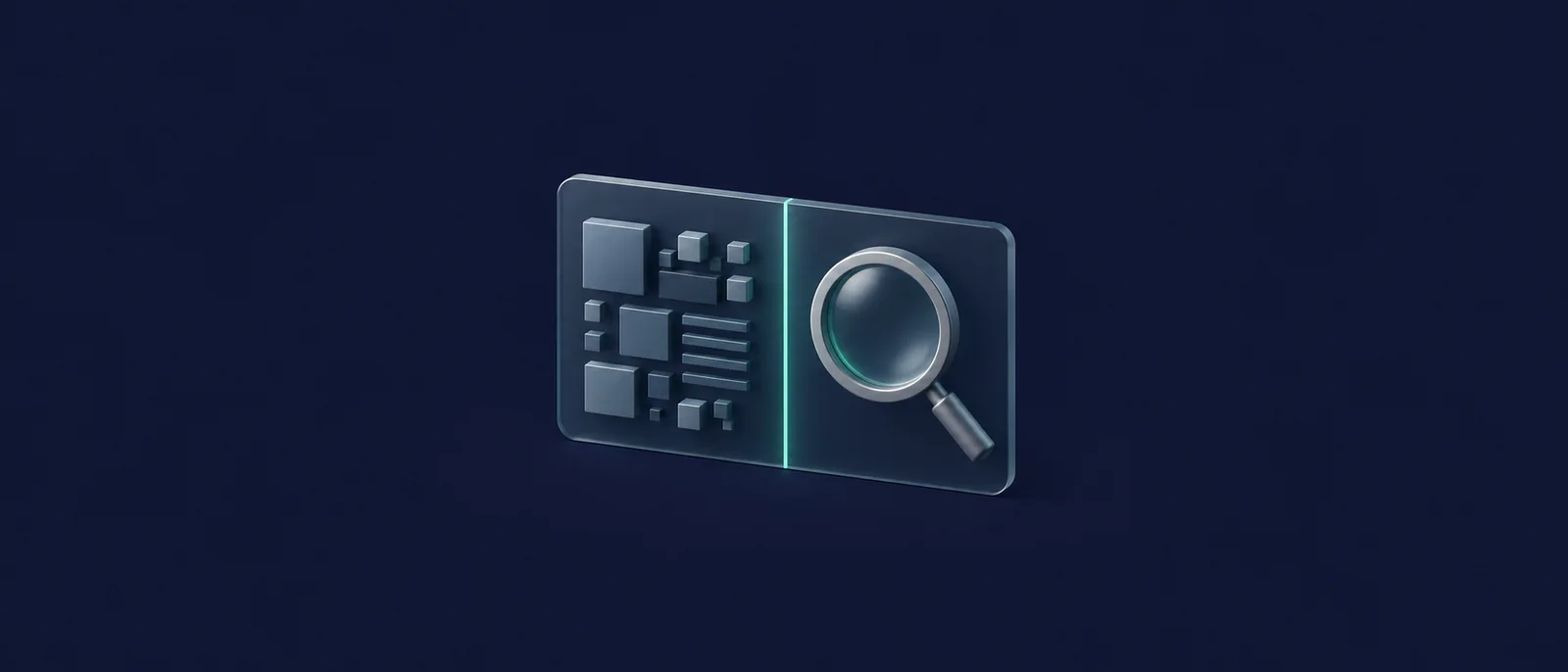
Professionals and trainees
Forensic training card
Raw record, direct observation, technical interpretation and its limits, then an ordering task on the verification steps.
- Best for
- Analyst training and in-house workshops on careful reporting.
- Sample content
- Observation and interpretation · 5 parts

All levels · last ten minutes
Exit ticket set
3-2-1 pattern: three things learned, two quick checks, one open question, then a show of confidence.
- Best for
- Seeing in ten minutes what the class took away and what to reteach next time.
- Sample content
- Spotting a phishing message · 6 parts, 10 min
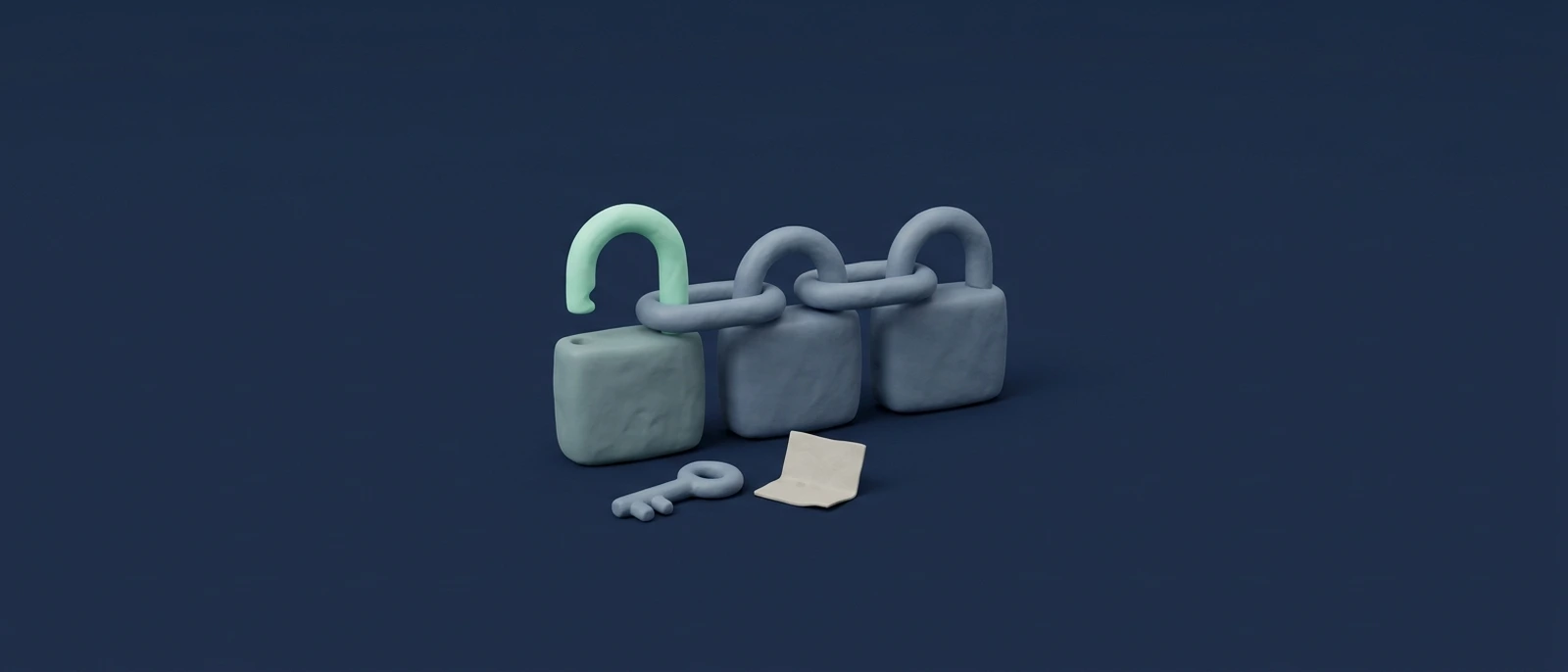
Secondary school and up · groups
Escape room
A story and a chain of locks: each solved task reveals the clue for the next one. In class mode the teacher opens each lock.
- Best for
- Revision as a group game, where the order of the steps matters.
- Sample content
- The locked class noticeboard · 5 locks, 30 min

Secondary school and up · small groups
Discussion cards
Dilemma cards with sentence starters, a quick check and a written position assessed with a rubric.
- Best for
- Topics with no single right answer, where every learner should get a turn to speak.
- Sample content
- Share or protect? · 4 cards, 30 min
68 ready-made lesson packs
Each activity has a learning goal, examples, guided choices and a closing review, in Turkish and English. Activities for ages 4–12 are done together with an adult.
Unit pack
Loading lesson packs…
All activities are original ZEKASTRA material.
Continue where you left off
Open a Studio JSON file you downloaded earlier. It is read only in this browser and opens in the workspace with all its sections, sources and settings.
You will be asked before an open document is replaced. Share links from colleagues open here automatically; files from earlier Studio versions are upgraded on opening.
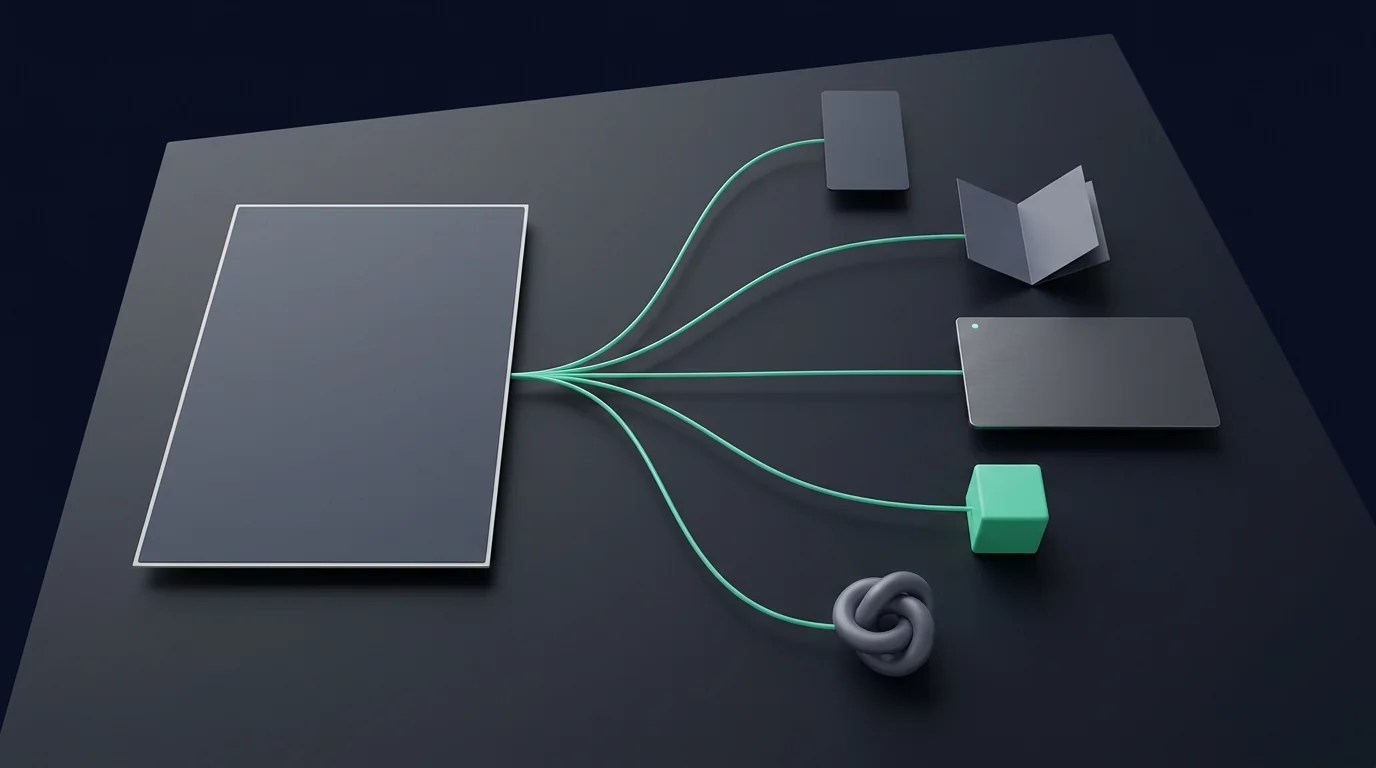
Turn one note into five drafts
For trainers and content teams: paste a note you have already checked and get editable drafts of an article, a 60-second video outline, social posts, a quiz and a publishing plan. Drafts are plain text, separate from the lesson workspace.
Five editable drafts
Article
60-second video
3 social cards
5-question quiz
Publication / podcast plan
Digital literacy challenges as lesson plans
Five lesson plans built from the digital literacy challenges. Open one in Studio with its full text, or download it as a JSON file.
- Sender & Header DetectiveOpen in StudioDownload JSON
- Cropped Screenshot & Context CheckOpen in StudioDownload JSON
- AI Claim & Citation CheckOpen in StudioDownload JSON
- Permissions & QR TrapsOpen in StudioDownload JSON
- Chart & Number HonestyOpen in StudioDownload JSON
Step 1
Design the lesson
Outcomes first, then sections. Each section has a type (text, multiple choice, true/false, fill in the blank, matching, ordering or open response), a role in the lesson and optional minutes.
Choose a template, a lesson pack or a file to start.
Goal and time
Start from what learners should be able to do afterwards. Every section below should serve one of these outcomes.
No outcome yet. Add one; a code such as BTY.5.1.3 or DigComp 1.2 is optional.
Step 2
See it as a learner
Updates as you type. Start the guided activity to go through it step by step.
Your preview will appear here.
Step 3
Check and download
Document details
Printed on the educator copy and saved in the JSON file.
Quality check
Checks lesson design and editing: a missing outcome, section times that exceed the period, a plan without a check, open questions without a rubric, long runs of text, repeated headings or choices, short feedback and sample source notes you have not replaced.
Advanced offline check
Runs 14 teacher-review checks: outcome evidence, readability in the lesson's language, curriculum code candidates, learner-file leak checks, source notes and activity rhythm. It only suggests changes and does not block downloads.
Download
Files for learners
Files for you
More files: PDF, packs and LMS
These files are prepared in your browser when you first press a button. Learner files contain no answers. Files made from one version share one edition code.
For learners
For you
Project file
Collect several documents, for example the lessons of one unit, in a single JSON file. The list is kept only in this tab; download it before you close the page.
Learner and educator files made from the same version share a matching code, so you can check they belong together.
Off by default. When on, your unfinished draft is kept in this browser tab for up to 24 hours. For a permanent copy, download JSON.