
 Kids
KidsFor parents and teachers
Printable certificates
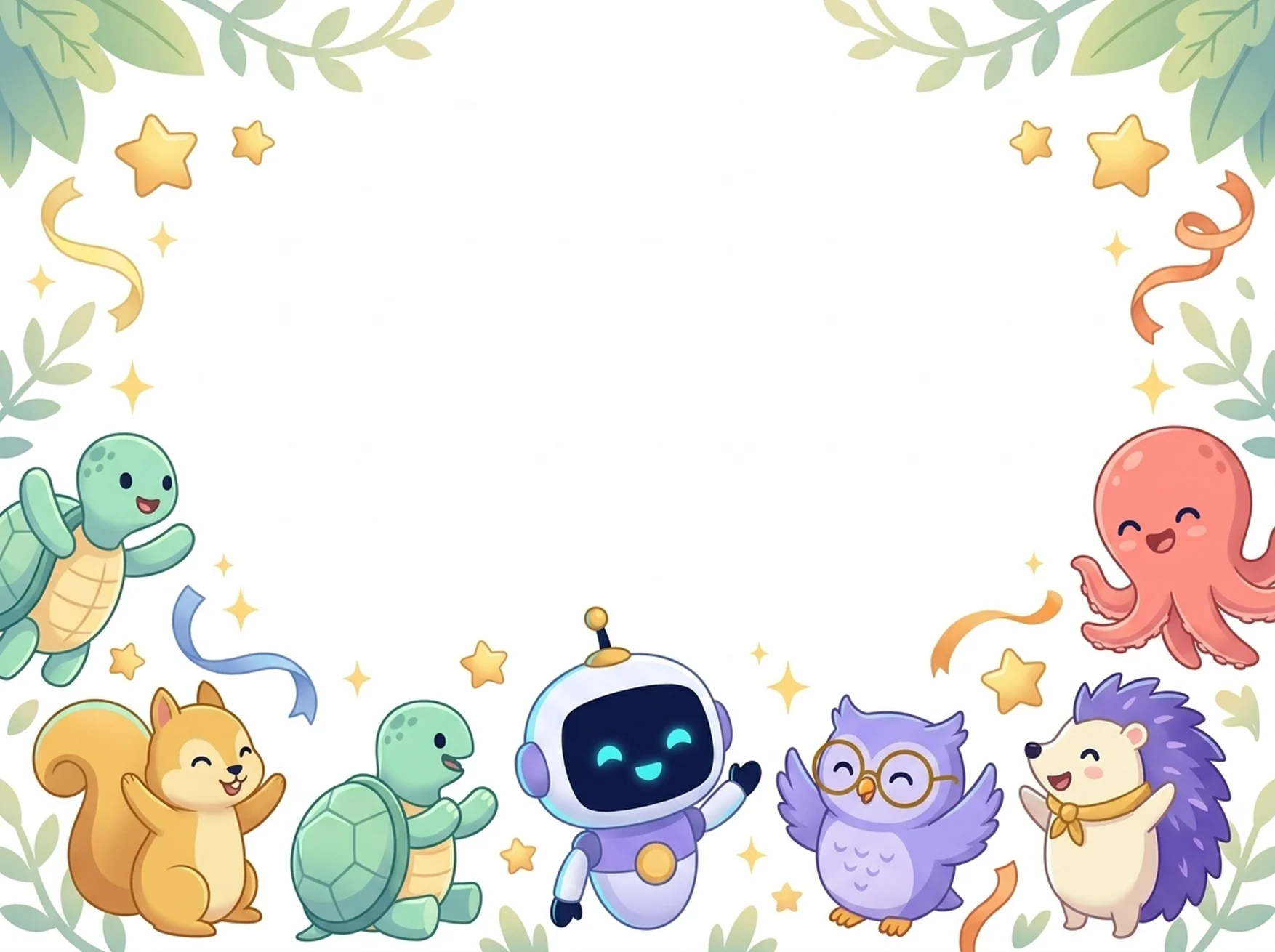
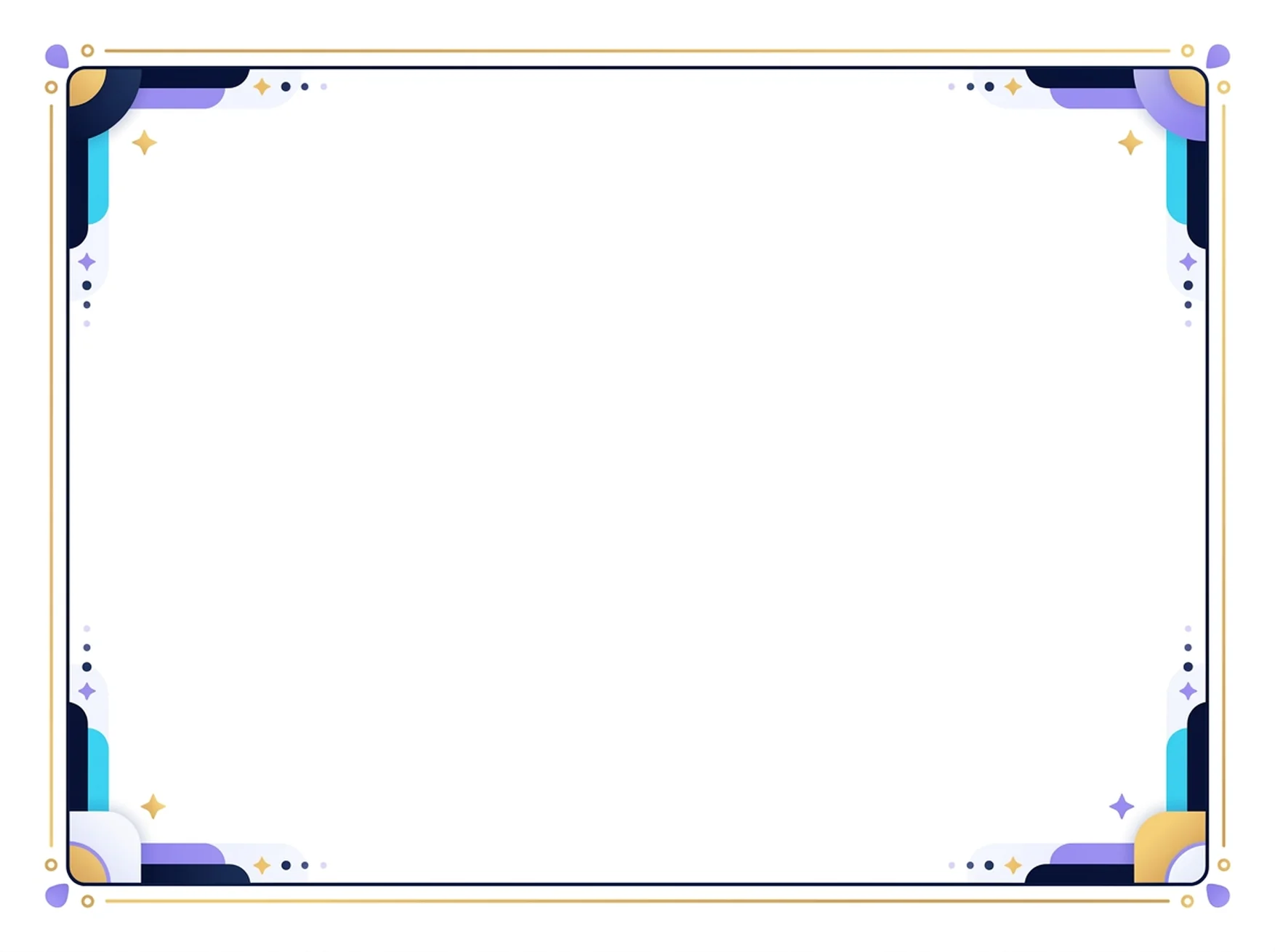
Celebrate a finished island, a lesson set or anything else worth a cheer. Type the child's name, choose what they achieved and print a certificate on one A4 landscape page, with Piko and friends around the edge or a calm classic frame.
Everything you type stays on this page. Nothing is saved, sent or stored, and reloading the page clears it.
How it works
- Type the child's name (up to 40 letters). Leave it empty to write the name by hand.
- Pick what the child achieved: a Kids island, a lesson set, reading, fact cards or singing, or write your own words.
- Add the date and, if you like, who is signing (for example “Mum” or “Teacher”).
- Check the preview, then press Print certificate.
This certificate maker needs JavaScript. You can still print a blank border and write the words by hand:
Open the colourful borderOpen the classic border
The certificate is printed in the language of this page. Türkçe sayfayı aç
Make a certificate
Up to 40 letters. Leave it empty to write the name by hand.
Up to 60 letters, for example “Reading ten books”.
Written under the signature line, for example “Mum / Teacher”. Up to 40 letters.
Preview
Before you print
- In the print dialog choose A4, landscape and 100% scale. Turn off “Headers and footers”. The certificate is one page.
- Print in colour for the colourful style. Many printers leave a thin unprinted edge, so the picture may lose a few millimetres at the very border.
- Choose “Save as PDF” in the print dialog to keep a copy or send it to someone. The file is made on your device.
- Prefer to colour? Open the printable colouring pages →